
Skip to content

Animate your pictures

Turn one photo into a five-second video. Choose how it moves, add a short direction if you like, and download the MP4.

  • 5-second MP4
  • Silent
  • Private to your account
Choose a photo
AI-generated example
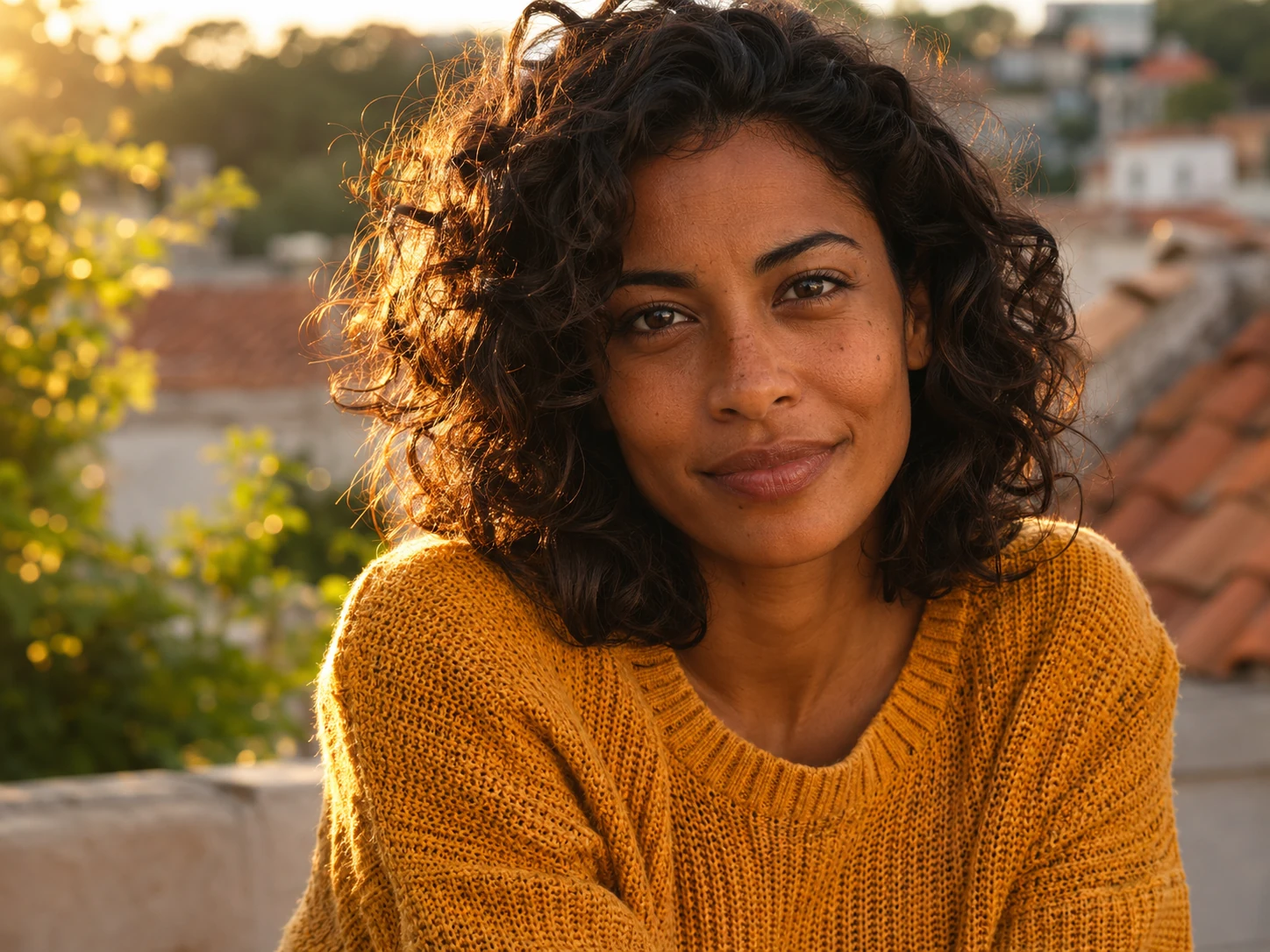
AI video made from the golden-hour portrait: she blinks and her smile warms while sunlit curls stir.
Original

Golden-hour portrait. A blink, a warmer smile and a few curls catching the breeze.
Try an example

Examples use fictional, AI-generated scenes and were animated with more than one image-to-video model. Your result may look different.

1. Your photo

Drop a photo hereJPG or PNG up to 4 MB, at least 300 px a side. WebP is converted for you.

Photos where the face or subject is clear and well lit move most naturally.

2. Motion

A natural blink, soft breathing and the hint of a smile.

0/500
Ideas:

New videos are paused right now. You can still explore the examples.

How it works

Three steps from a still photo to a short video.

Start with your photo
  1. Step 1: Add one photo

    Drop in a JPG or PNG up to 4 MB — WebP is converted for you. A clear subject in good light moves most naturally.

  2. Step 2: Choose how it moves

    Pick a motion such as Gentle portrait or Slow push-in. Add a short direction if you want something specific.

  3. Step 3: Download your video

    You get a five-second MP4 with no sound, saved privately in My videos so you can watch or download it again.

One photo in, five seconds out

Each clip below was made from the single still shown in its corner. All four scenes are fictional and AI-generated.

AI video made from the golden-hour portrait: she blinks and her smile warms while sunlit curls stir.
Original
AI video

Portrait photo

Golden-hour portrait

A blink, a warmer smile and a few curls catching the breeze.

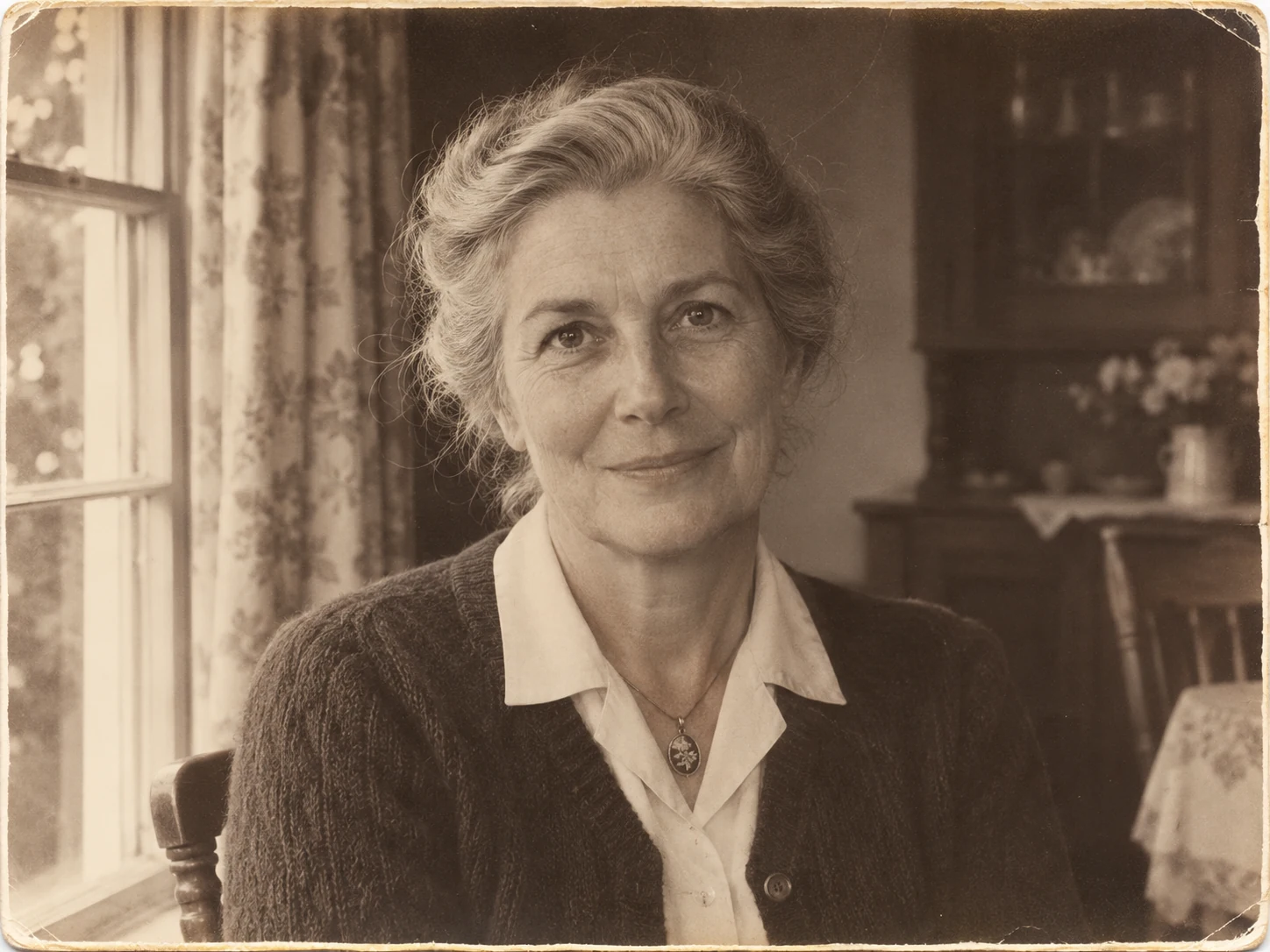
AI video made from the sepia album portrait: she blinks, breathes and settles into a gentle smile.
Original
AI video

Sepia album print

A moment from an old album

A soft blink, natural breathing and a tender smile. Grain and paper tone stay put.

Tips for old photos
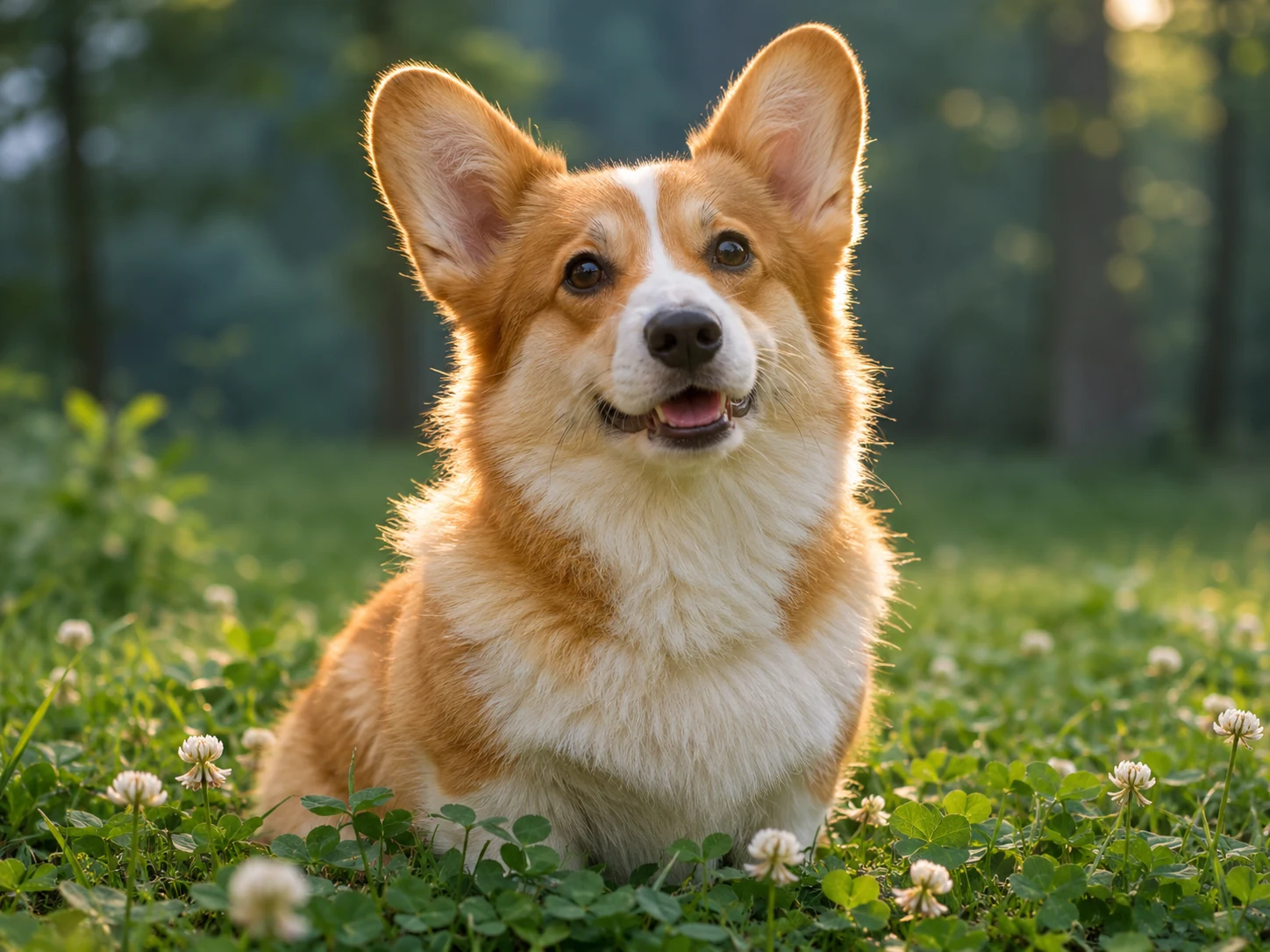
AI video made from the corgi photo: the dog blinks, tilts its head and an ear twitches.
Original
AI video

Pet photo

A curious corgi

A blink, a playful head tilt and one ear twitch before it settles.
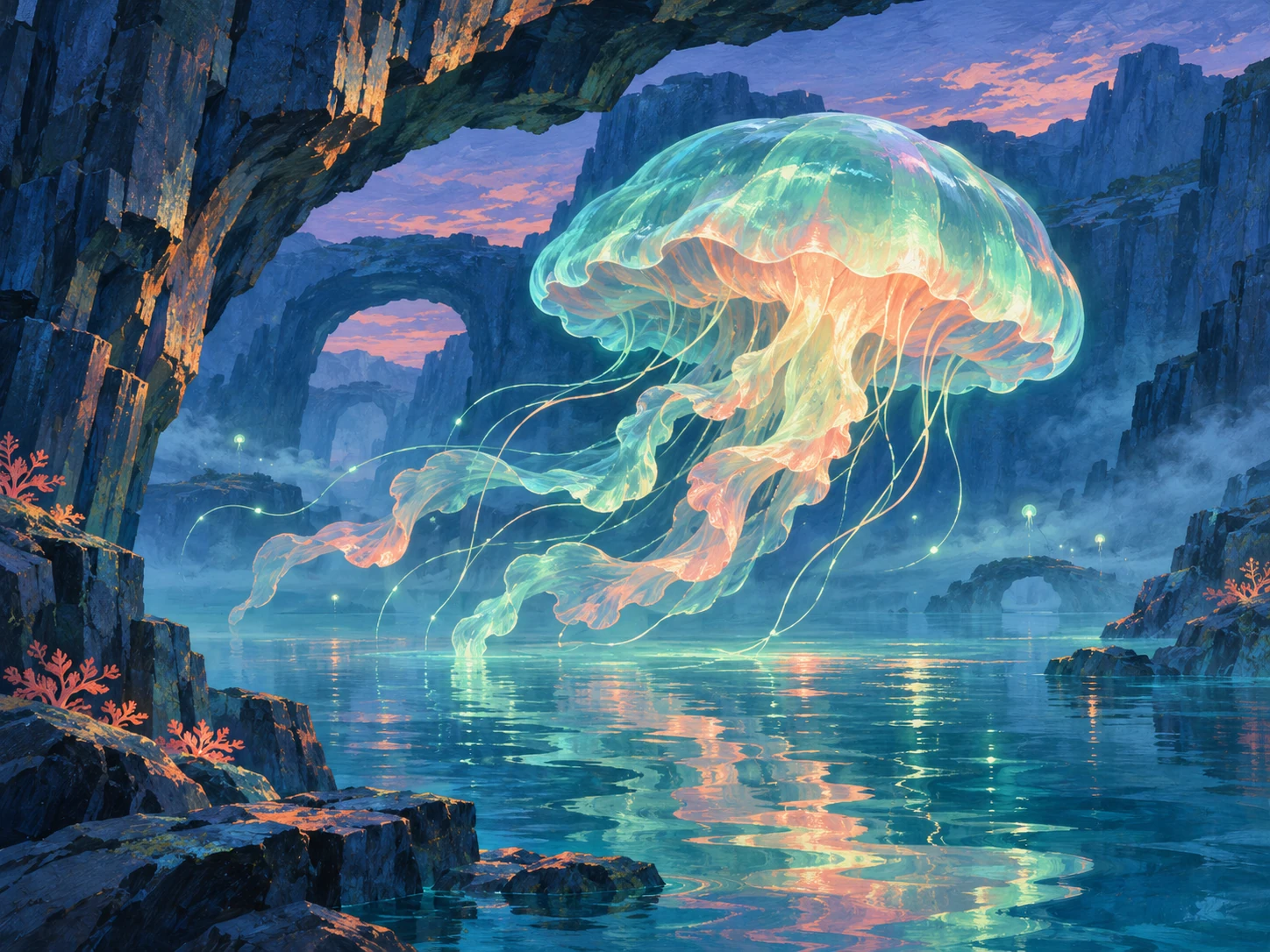
AI video made from the lagoon painting: the jellyfish pulses upward and light ripples across the water.
Original
AI video

Painted illustration

The lantern lagoon

One slow pulse upward, tentacles swaying and light moving across the water.

Questions

More answers on the help page.

What kinds of pictures work best?
Photos with one clear subject: portraits, pets, old prints and illustrations. Faces should be visible with eyes open. Very blurry photos, tiny subjects or busy collages give weaker results.
Which files can I upload?
One JPG or PNG up to 4 MB, at least 300 px on each side, and no more than 2.5 times as wide as it is tall (or the other way round). WebP photos are converted to JPG in your browser before upload.
What do I get?
A five-second MP4 with no sound. It keeps your photo’s framing, and its exact size follows your photo. Every finished video is saved in My videos, where you can play or download it.
How long does a video take?
It can take a few minutes. You don’t need to keep the page open — the finished video appears in My videos.
How do credits work?
Each video uses 1 credit. Credits come in one-time packs, with no subscription. If a video fails, its credit is returned automatically. See pricing for details.
Who can see my photos and videos?
Only you, while signed in to your account. Uploads and results are kept in private storage, and download links expire shortly after they’re made. The examples on this site are fictional scenes we created — never customers’ photos.
Can I animate photos of other people?
Only use photos you have the right to use, and ask the people in them when you can. Don’t use Animate Picture to mislead, harass or impersonate anyone.
Is “Preview motion” the real video?
No. Preview motion gently moves your photo inside your browser so you can get a feel for a preset. An AI video is only made when you press Animate photo.

Give a favorite photo a moment to move

One photo, one motion, five seconds. Start with a picture you love.