
Animate a pet photo
Use Natural motion for a quiet blink, a head tilt or an ear twitch. The corgi example shows how a little movement can read in a still frame.
Choose a motion recipe
A curious corgi · Natural motion
Let the corgi blink, flick one ear, and tilt its head slightly. Keep the fur markings, camera, and garden background still.
Compare the original photo and animation
AI-generated example
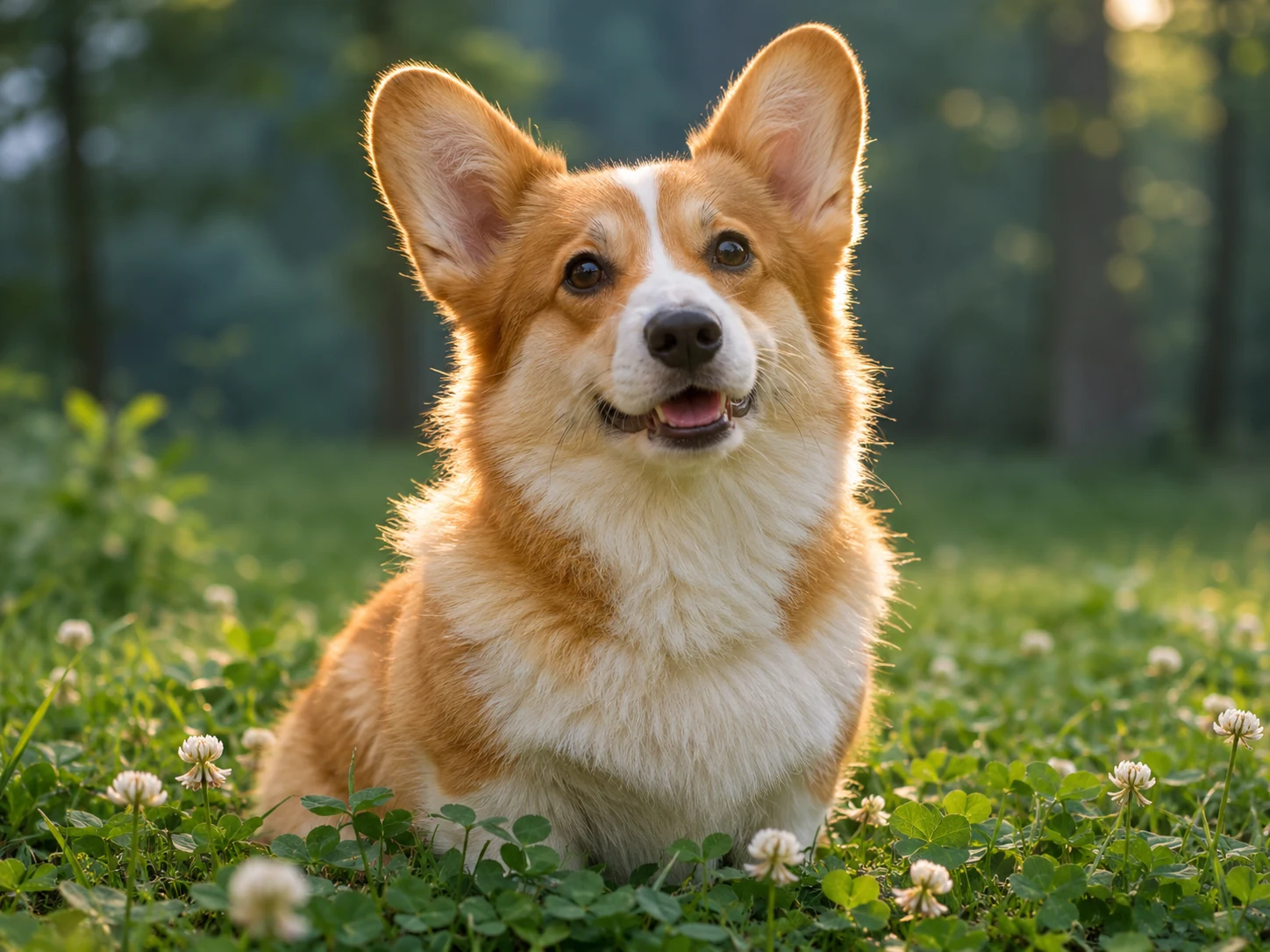
AI video made from the corgi photo: the dog blinks, tilts its head and an ear twitches.
A curious corgi
A blink, a playful head tilt and one ear twitch before it settles.
Prepare your pet photo
- Keep ears and paws in frame
- A seated or resting pet with a little room around its outline is an easier starting photo than a tightly cropped action shot.
- Choose a simple background
- A clear edge around the animal helps preserve its shape. Sharp natural light makes eyes and fur easier to see.
- Ask for a small movement
- A nose twitch, blink or slow head tilt fits one short clip. Start with an action that makes sense for the pose.
Frequently asked questions
What photo works well for pet animation?
Use one well-lit pet with its face visible and space around the ears and paws. On a busy background, ask for one small movement so the pose stays easier to recognize.
How can I keep my pet’s markings?
Try an ear flick or tiny head tilt, and ask for the fur patterns and background to stay still. Compare the corgi sample before choosing your own direction.
Animate photo