
Photo to Video
Make a silent MP4 about five seconds long from a single photo. Add a picture, choose a motion or write your own direction, then create and download your video.
Compare the original photo and animation
AI-generated example
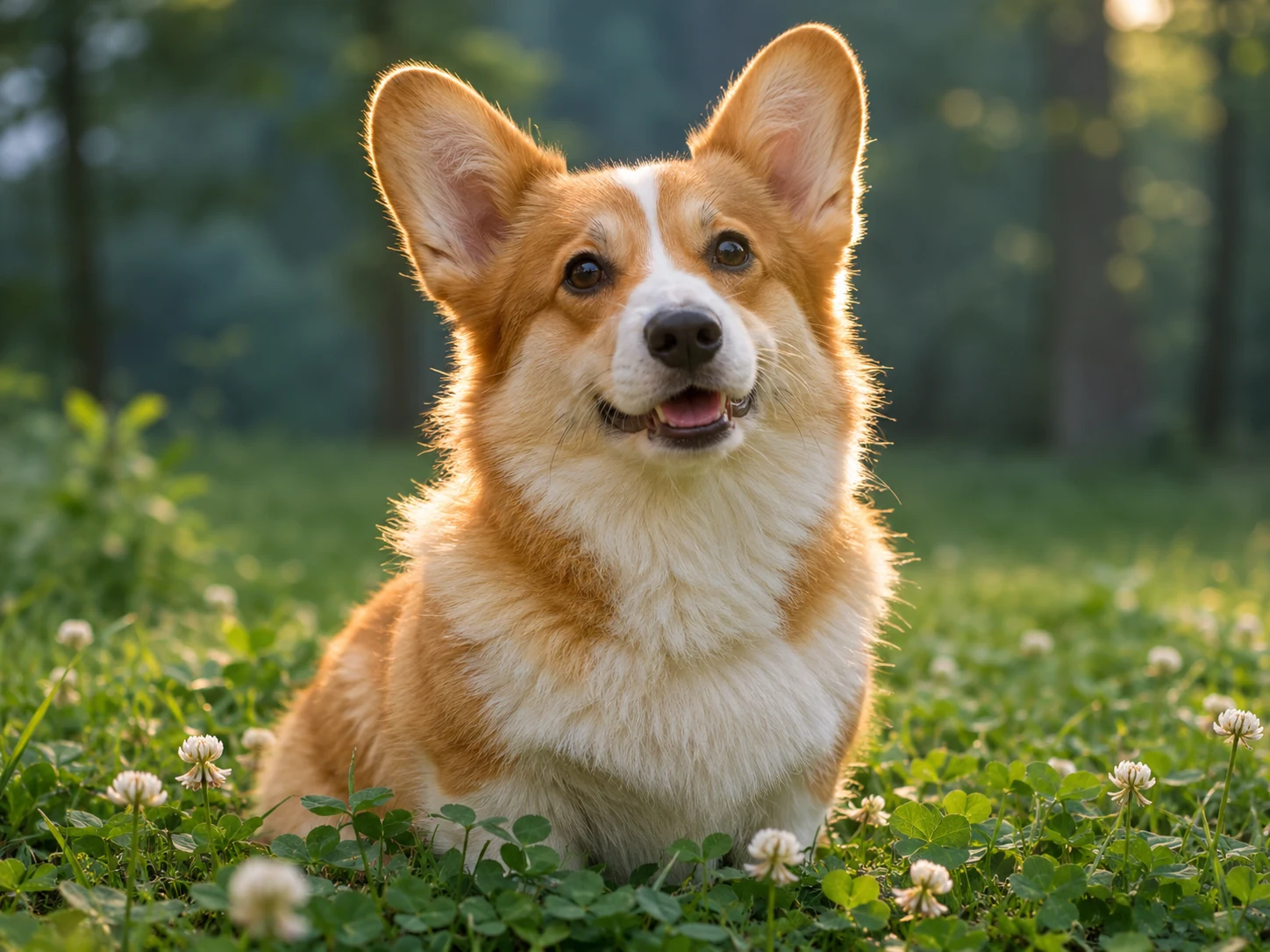
AI video made from the corgi photo: the dog blinks, tilts its head and an ear twitches.
A curious corgi
A blink, a playful head tilt and one ear twitch before it settles.
Make and save an MP4
- Choose one photo
- Use one JPG, PNG or WebP up to 4 MB. Both sides must be at least 300 pixels. WebP is converted to JPG on your device before upload.
- Choose your video quality
- Standard uses 25 points and HD uses 125. Both create a silent MP4 about five seconds long.
- Get your finished file
- Play and download the MP4 here when it is ready. You can also find it in My videos and use the file to make a GIF or add audio.
Frequently asked questions
What do I get?
A silent MP4 of about five seconds. It keeps your photo’s framing, and its exact size follows your photo. Every finished video is saved in My videos, where you can play or download it.
Who can see my photos and videos?
Uploads and results are private. Your account can create a short-lived preview or download link. Keep that link private while it works. Site examples are fictional scenes we created.
How do points work?
A Standard video uses 25 points and an HD video uses 125, from one balance. Check each offer’s points and expiration before you buy. New accounts start with 0 points. Confirmed failures return points to the original balance. pricing
Photo to Video